
Binary Options Mobile App White Label: PWA Trading Platform
For most binary options brands, the phone is the main screen. Traffic from social networks, messengers and in-app advertising lands on mobile; clients open short trades in spare minutes; tournaments and daily rewards bring them back several times a day. If the mobile experience is slow, cramped or hard to install, the money spent on acquisition is lost before the first deposit. That is why the question of a binary options mobile app white label solution comes up early in almost every project.
This guide explains the options for a trading platform mobile app white label – a progressive web app, a native app or a hybrid – and why app store rules make that choice different for binary options than for most products. It then walks through the mobile client journey, branding, speed, engagement, testing and the numbers to watch, and shows what the Bintech platform includes on mobile. We are a platform provider, so where we describe a product it is ours; the comparisons apply to any provider.
Why mobile decides the economics of a binary options brand
Binary options trades are short, and so are mobile sessions: a client opens the app, places a trade with a one- or five-minute expiry, checks the result and closes it. That pattern suits phones far better than desktops, which is why mobile usually dominates both traffic and activity. It also means mobile friction costs more than in other products. Every extra second of loading, every extra field in registration and every confusing step on the deposit page is paid for twice: once in the media budget and again in lost repeat activity.
Media buyers know this from the traffic side. When the landing page and the platform are slow on mobile, a campaign that should be profitable shows a poor cost per deposit, and the problem is blamed on the traffic source. Often the source is fine and the product is the bottleneck. A mobile-first platform is therefore not a design preference but part of the unit economics. We cover traffic sources in more detail in our article on in-app traffic for trading offers.
Three ways to deliver a white label mobile trading app
When people ask for a trading platform mobile app white label, they usually mean one of three technical approaches. They differ in how clients install the app, how updates reach them and how much extra work they require.
| Approach | What it is | Installation | Main trade-off |
| Progressive web app (PWA) | The platform itself, installable to the home screen | From the browser, on your website | No store presence, but no store review either |
| Native app | A separate application built for iOS and Android | From the App Store and Google Play | Store review and separate development and maintenance per platform |
| Hybrid or wrapper app | The web platform packaged inside a native shell | From the stores or as a downloadable file | Store rules still apply; another layer to maintain |
Each approach can carry your brand. The difference is in distribution, maintenance and, for binary options in particular, whether the stores will accept the app at all.
App store rules and binary options
App stores apply strict policies to financial and trading apps, and binary options sit in a particularly sensitive place. The published rules of both major stores have excluded apps that facilitate binary options trading, and even where trading apps are allowed, stores typically require the developer to be licensed in the markets where the app is available. In practice, that means a native or wrapper app for a binary options brand is likely to be rejected or removed, and building one is a large investment with an uncertain outcome. Store policies change, so check the current Apple App Store Review Guidelines and Google Play Financial Services policy before planning any store release.
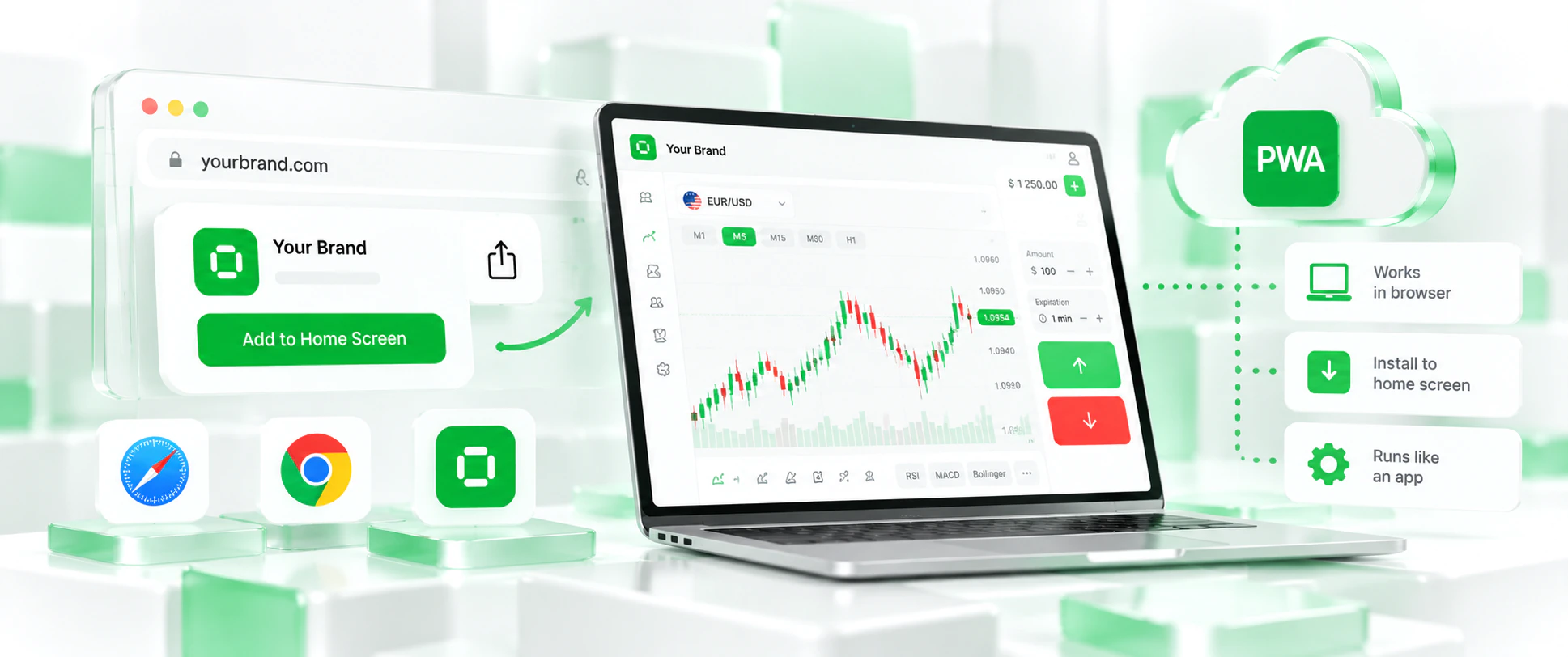
A progressive web app avoids the question entirely. It is not distributed through a store: clients install it from your website, and it runs your platform directly. That is why the PWA is the practical standard for a binary options mobile app white label solution, and why the Bintech standard build provides a PWA together with a fully adaptive mobile version rather than native store apps.
What a PWA is and how it behaves
A progressive web app is a web application that the user adds to the home screen from the browser. After installation it opens with your icon and name, fills the screen without browser navigation and looks and feels like an app. Because it is the platform itself, there is no separate code base to maintain: every platform update reaches clients immediately, with no store release and no “please update the app” message.
| Criterion | PWA | Native app |
| Installation | From the browser, straight from your website | From an app store |
| Store review | Not required | Required; trading apps face strict policies |
| Updates | Reach clients immediately | Each release goes through review and user updates |
| Development | Included in the Bintech build | Separate development and maintenance per platform |
| Brand | Your name and icon on the home screen | Your name and icon in the store and on the home screen |
| Feature parity | Same platform as desktop | Depends on what is rebuilt natively |
| Time to market | Available at launch | Development plus review time |
The one thing a PWA does not give you is a listing in the stores. For a binary options brand, where that listing is unlikely to be available anyway, this is a small price for speed, simplicity and control.
The mobile client journey, step by step
A good mobile platform is judged by how smoothly one client moves from the first tap to a repeat deposit. Each step has its own failure points, and each can be checked before launch.
| Step | What the client does | What matters on mobile |
| Landing | Arrives from an ad or a partner link | Fast loading and a clear next step |
| Registration | Creates an account | Few fields; email or social login |
| Installation | Adds the app to the home screen | A clear prompt and your icon and name |
| Demo trading | Tries the terminal without risk | Readable charts and big, obvious trade buttons |
| First deposit | Funds the account | Familiar methods, local currency, clear bonus terms |
| Real trading | Opens trades on the real account | Stable quotes, clear results, portrait and landscape |
| Support | Asks a question | Chat and tickets that work on a small screen |
| Return | Comes back the next day | Notifications, tournaments, daily reward |
| Withdrawal | Requests a payout | Visible status without contacting support |
The trading terminal on a phone
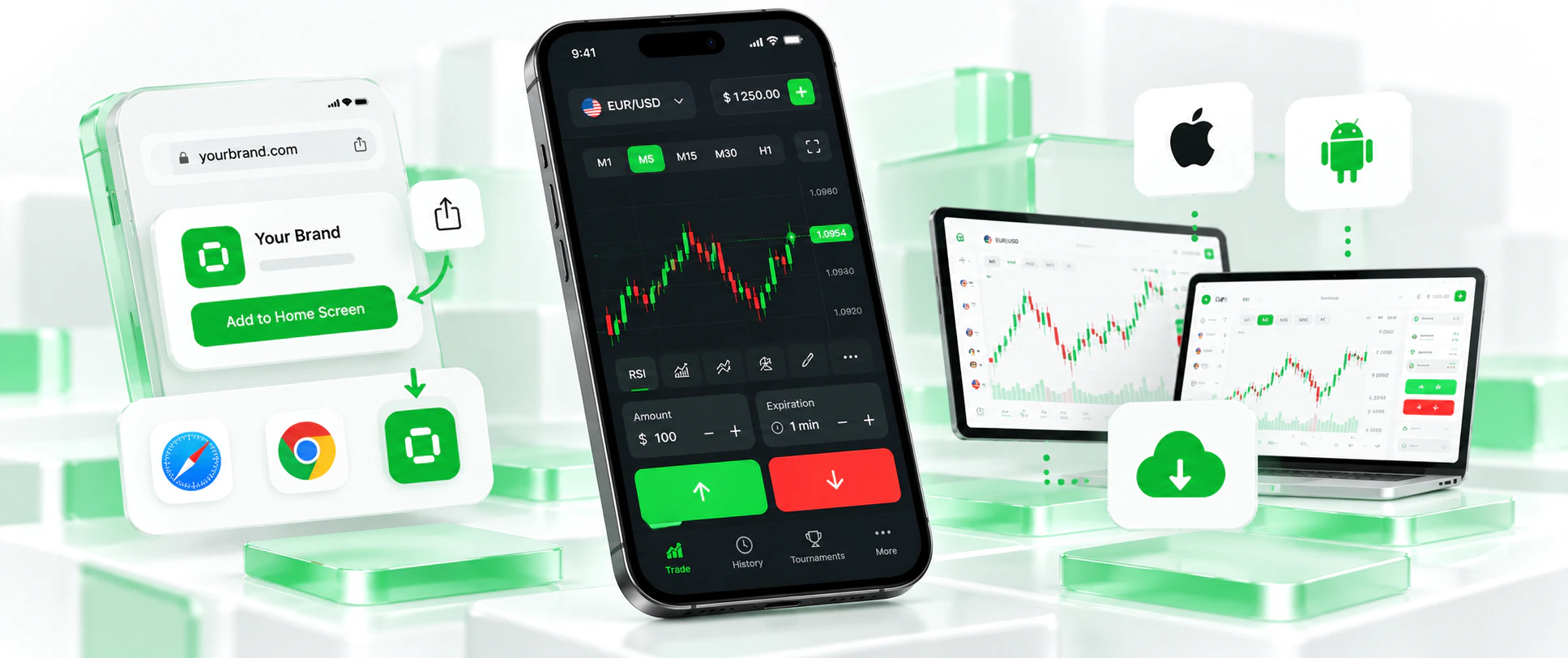
The terminal is where clients spend most of their time, and on a phone every pixel counts. On Bintech, the terminal is fully adaptive in portrait and landscape on any screen size. Clients get animated and TradingView charts, four display modes, multiple timeframes, technical indicators and pending trades – the same features as on desktop. Many clients trade with the phone turned sideways to see more of the chart, so landscape is not an afterthought but a primary layout.
All three account types work on mobile: the demo account lets newcomers learn without risk, the real account is where trading happens, and the tournament account powers competitions and the monthly leaderboard. The full profile – statistics, trade history, achievements, password and payment management, support history – is available from the phone, so routine questions rarely need support.
Deposits and withdrawals on mobile
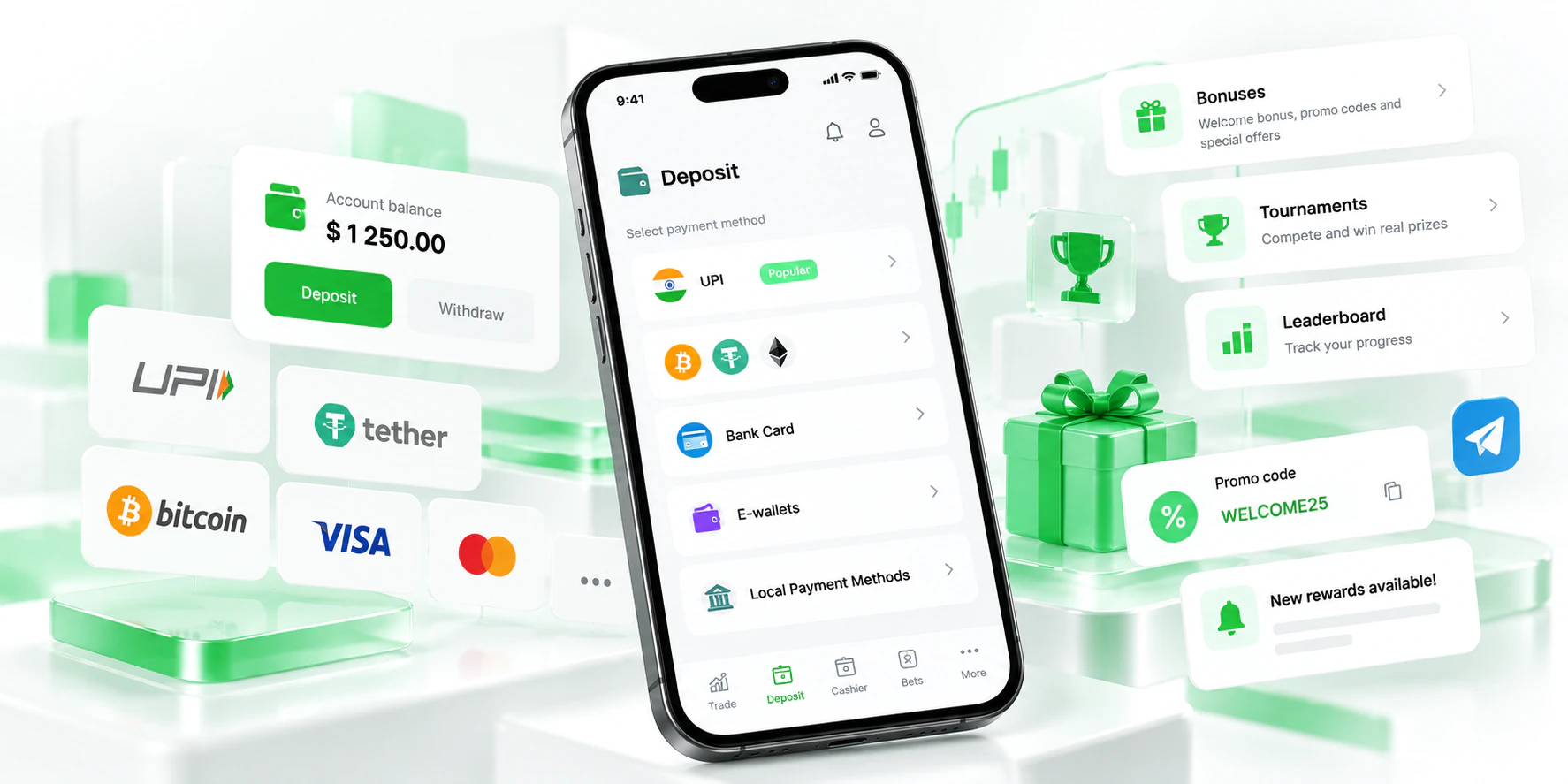
The deposit page is where most money is won or lost, and on mobile it is even more sensitive. Bintech includes a deposit page optimised for conversion, multi-currency support and clear statuses for pending, successful and failed payments. The methods themselves depend on your markets and the payment providers you work with: put the methods your audience uses every day first, show amounts in the local currency where possible and state bonus conditions before payment, not after. Withdrawal status is visible to the client in their account, which removes a large share of support requests. Payment setup is covered in detail in our guide to payment integrations.
Engagement: why mobile clients come back
On mobile, retention depends on giving clients a reason to open the app again. The Bintech platform includes Risk-Free Trades for newcomers, bonuses and promo codes, tournaments and a monthly leaderboard, statuses, achievements and missions, and a daily login reward – mechanics that fit short, frequent mobile sessions particularly well. Notifications on the site and in Telegram, managed from the admin panel, remind clients about tournaments and promotions at the right moment, and a market news module gives them a reason to check in. Launch these tools one at a time with clear rules, and measure which ones bring mobile clients back.
Branding on mobile
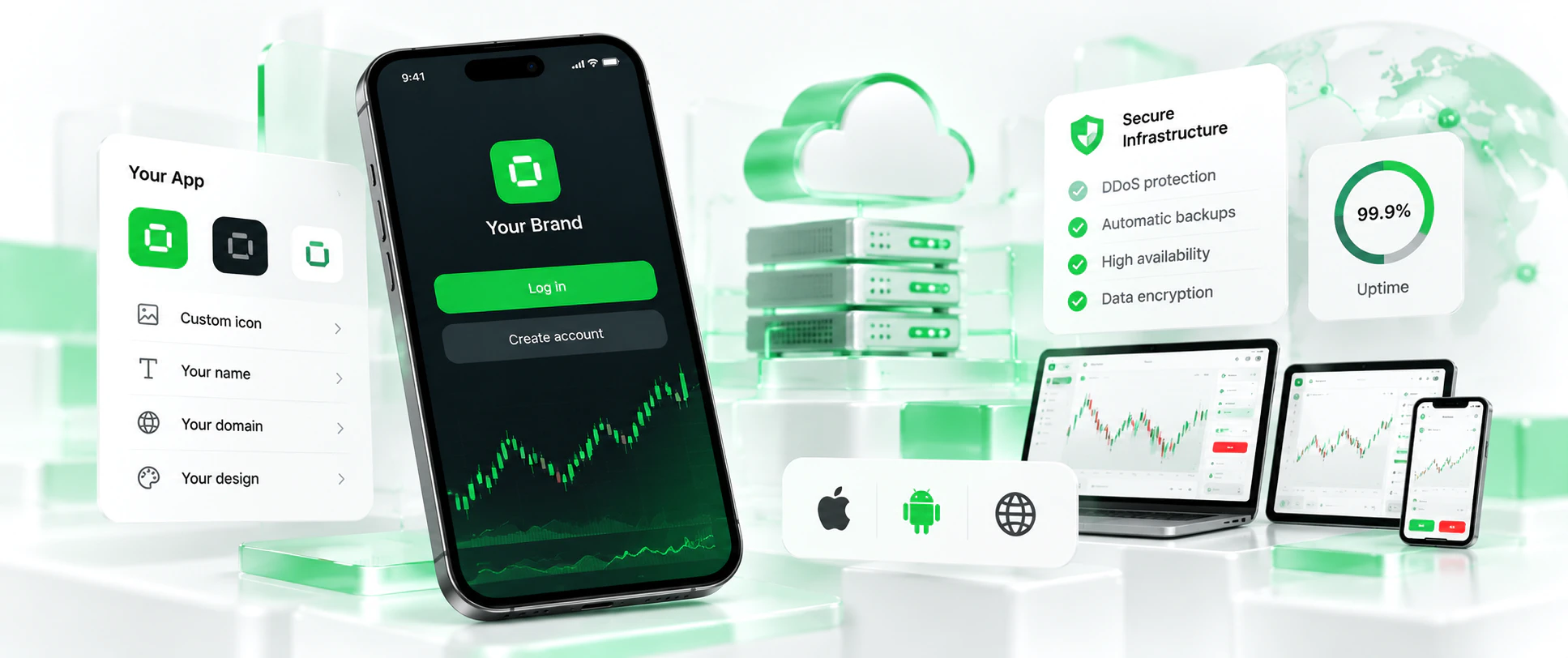
On a phone, the brand is concentrated in a few elements: the icon and name on the home screen, the colours and typography of the interface and the tone of the first screens. The Bintech mobile version and PWA use your domain, name, icon and design – a ready-made template or a custom style. The interface language is selected automatically by the client’s region, so a client from each of your markets sees the platform in their language from the first screen. For a broader view of branding a trading platform, see our white label trading platform branding guide.
Speed and stability
Mobile networks are slower and less stable than office Wi-Fi, so speed matters more on phones than anywhere else. Page loading speed is optimised across the Bintech platform, which reduces the share of paid clicks lost between the ad and the registration form. Behind the interface, the platform runs on a dedicated server with 24/7 monitoring, backups and DDoS protection, and real-time market and OTC quotes are monitored for anomalies, with trading suspended automatically if necessary. If a domain is blocked in a market, we help you move to a new one quickly – which matters for mobile clients who installed the PWA from the old address, because you can redirect them to the new one.
Mobile metrics to track
Once the platform is live, measure mobile separately from desktop. Averages hide the problems that matter most.
| Metric | What it tells you |
| Registration rate from mobile landing | Whether loading speed and the form are a barrier |
| Demo-to-real conversion on mobile | Whether the terminal is understandable on a small screen |
| First deposit rate on mobile by method | Which payment methods work for mobile clients |
| Repeat sessions in the first week | Whether notifications and engagement tools work |
| Support requests from mobile by topic | Which screens or steps confuse mobile users |
| Revenue per client by device and source | Where to put next month’s mobile budget |
The Bintech admin panel provides finance and traffic-source analytics with full separation of financial flows and detail for any player, which lets you compare sources and segments by money rather than by registrations. Our guide to the broker onboarding funnel explains how to read these numbers.
What to test on mobile before launch
Before you switch on paid mobile traffic, walk through the platform on real phones, not only in a desktop browser’s mobile view. Install the PWA on an Apple and an Android device and check the icon and name on the home screen. Open the terminal in portrait and landscape on a small and a large screen. Register, make a deposit with each real payment method, open and close a trade, and request a withdrawal. Send a chat message and confirm it reaches the admin panel with the client’s details. Check that notifications arrive and that tournaments and missions display correctly. Finally, test on a slower mobile connection: what feels instant on Wi-Fi can feel broken on a weak signal.
| Check | Pass when |
| PWA installation | Installs on Apple and Android with your icon and name |
| Terminal layouts | Charts and buttons usable in portrait and landscape |
| Registration | Completes in seconds by email or social login |
| Deposit | Each method succeeds; failures and pending states are clear |
| Trade | Opens, settles and shows the result correctly |
| Withdrawal | Status visible to the client throughout |
| Support | Chat works on mobile and appears in the admin panel |
| Weak connection | The platform stays usable on a slow network |
Mobile for media buyers: from ad to installed app
For teams that buy traffic, the mobile flow is a chain with several handovers: the ad, the landing page, registration, installation of the app and the first deposit. A weak link anywhere looks like a bad traffic source in the reports. A few practical points help keep the chain intact. Send mobile traffic to pages built for phones rather than desktop pages that merely shrink. Ask for installation of the PWA after registration rather than before it, when the client already has a reason to keep the app. Use the demo account as a deliberate step for cold traffic, so that newcomers try the terminal before being asked to pay. Tag every campaign and partner so that the admin panel can show revenue by source, not just registrations. And compare sources on revenue per client over 30 and 90 days, because cheap mobile registrations that never deposit are the most expensive traffic you can buy. Our guide on how to turn traffic into your own broker covers the wider move from affiliate to owner.
Common mobile mistakes on trading platforms
The same mobile mistakes appear again and again on trading platforms, and most are easy to avoid once you know them. The first is testing only in a desktop browser’s mobile view: real phones, real networks and real fingers behave differently, and buttons that look fine on a monitor are too small under a thumb. The second is ignoring landscape mode, even though many clients turn the phone to see more of the chart. The third is a long registration form that asks for data the platform does not need at that moment. The fourth is a deposit page that lists every available method in the same order for every country, instead of putting local favourites first. The fifth is sending notifications too often, which teaches clients to ignore them or to remove the app. The sixth is promising an app in the stores in advertising and then asking clients to install a web app – say clearly from the start how the app is installed. And the last is measuring mobile and desktop together, which hides exactly the problems that cost the most.
When you might still want a native app
A native app can make sense for a brand operating in a market and under a licence where the stores accept it, or for a product that needs device capabilities a web app cannot provide. In that case, treat it as a separate project: check the store policies and your licensing first, then plan development, review time and ongoing maintenance for each platform. On Bintech, a native app is not part of the standard build; like any individual feature, such a request would be estimated separately for cost and timing.
Part of the complete platform
Mobile access is one part of the Bintech white label platform, together with the admin panel, payments, affiliate program, engagement tools and 24/7 support – all in one All Inclusive package. The technical launch usually takes up to 4 weeks, and longer for custom development or when our team is at full capacity. See the white label binary options platform overview, or request a demo on Telegram and open it on your phone.
Frequently asked questions
Does Bintech provide native iOS and Android apps?
Bintech provides a Progressive Web App (PWA) for Apple and Android and a fully adaptive mobile version. Native apps published in app stores are not part of the standard build.
What is a PWA?
A Progressive Web App is a web application that the user installs from the browser to the home screen. It opens with your icon and name like an app, without publication in the App Store or Google Play.
Why not publish a binary options app in the app stores?
Both major app stores apply strict policies to trading apps, and their published rules have excluded apps that facilitate binary options trading. A PWA avoids store review entirely, because clients install it from your website.
Is the mobile version branded?
Yes. The mobile version and the PWA use your domain, brand, name and icon, on a ready-made template or a custom design.
Does the mobile version have the same features as desktop?
Yes. Charts, timeframes, pending trades, real, demo and tournament accounts, deposits, chat and tickets, bonuses, tournaments and missions are available on mobile, in portrait and landscape.
Do platform updates reach mobile users automatically?
Yes. Because the PWA and the mobile version run on the platform itself, updates reach clients immediately, without store releases or manual app updates.