
How to Launch a Binary Options Broker: A Practical Go-Live Guide
Have an idea for your own trading brand? The next step is turning that idea into a functioning platform with a recognizable identity, the right configuration, and a clear plan for going live.
With ready-made software, you don’t need to begin by developing a trading terminal, administrative system, and supporting infrastructure from scratch. These components already exist. Instead, you can concentrate on preparing your brand, choosing the available features, coordinating external services, and organizing the people who will manage your project.
Bintech provides a ready-made binary options platform with standard modules, branding options, technical deployment, and ongoing support. This guide explains the practical stages of preparing a platform for launch, what information to provide to the technical team, how to review the finished configuration, and how to make the transition from implementation to daily operation.
Step 1. Turn Your Idea into a Clear Project Brief
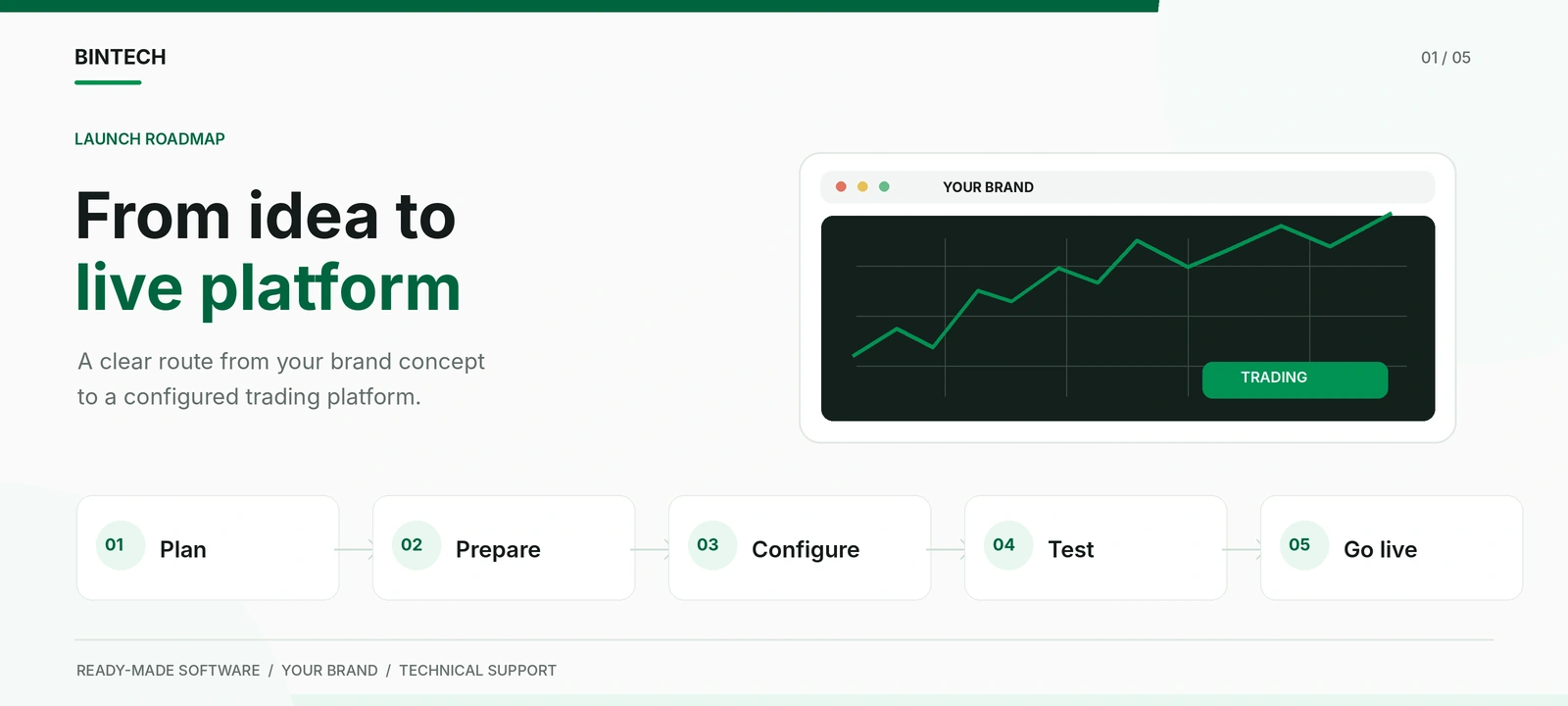
A successful implementation begins with a clear description of the project. Before requesting extensive customization, decide what your platform should look like, whom it is intended to serve, and which available functions are important for the initial launch.
The purpose of the brief is to make your preferences understandable to the people preparing the software. You do not need to specify the underlying technologies or explain how the trading system should be programmed. Instead, describe the result you want to achieve.
Start with the brand concept. Choose a proposed name, consider the intended audience, and identify the general direction of the design. If you already have a website, marketing materials, or visual references, these can help the Bintech team understand your preferences.
Next, identify the geographic markets and languages relevant to the project. The intended activities and audiences should be reviewed for applicable restrictions before public promotion begins. This decision also informs the preparation of localized content and external services.
Finally, identify the people who will approve the design, coordinate implementation questions, and make decisions on behalf of the business. Having a single authorized project contact helps prevent contradictory instructions and unnecessary revisions.
What to Include in Your Launch Brief
| Project Element | Information to Provide |
| Brand identity | Project name, logo if available, colors and design references |
| Website domain | Selected domain and the contact responsible for it |
| Target audience | Intended markets and audience characteristics |
| Localization | Preferred interface languages and content requirements |
| Initial functionality | Preferred settings and modules from the available standard product |
| External services | Requested payment methods and relevant provider arrangements |
| Project coordination | Authorized contact and people responsible for approvals |
| Individual requests | Specific design or functionality requirements beyond standard settings |
The result of this stage should be one agreed project brief that can be used throughout implementation. It becomes the reference point for design decisions, configuration, and final review.
Step 2. Prepare the Brand and Website Content
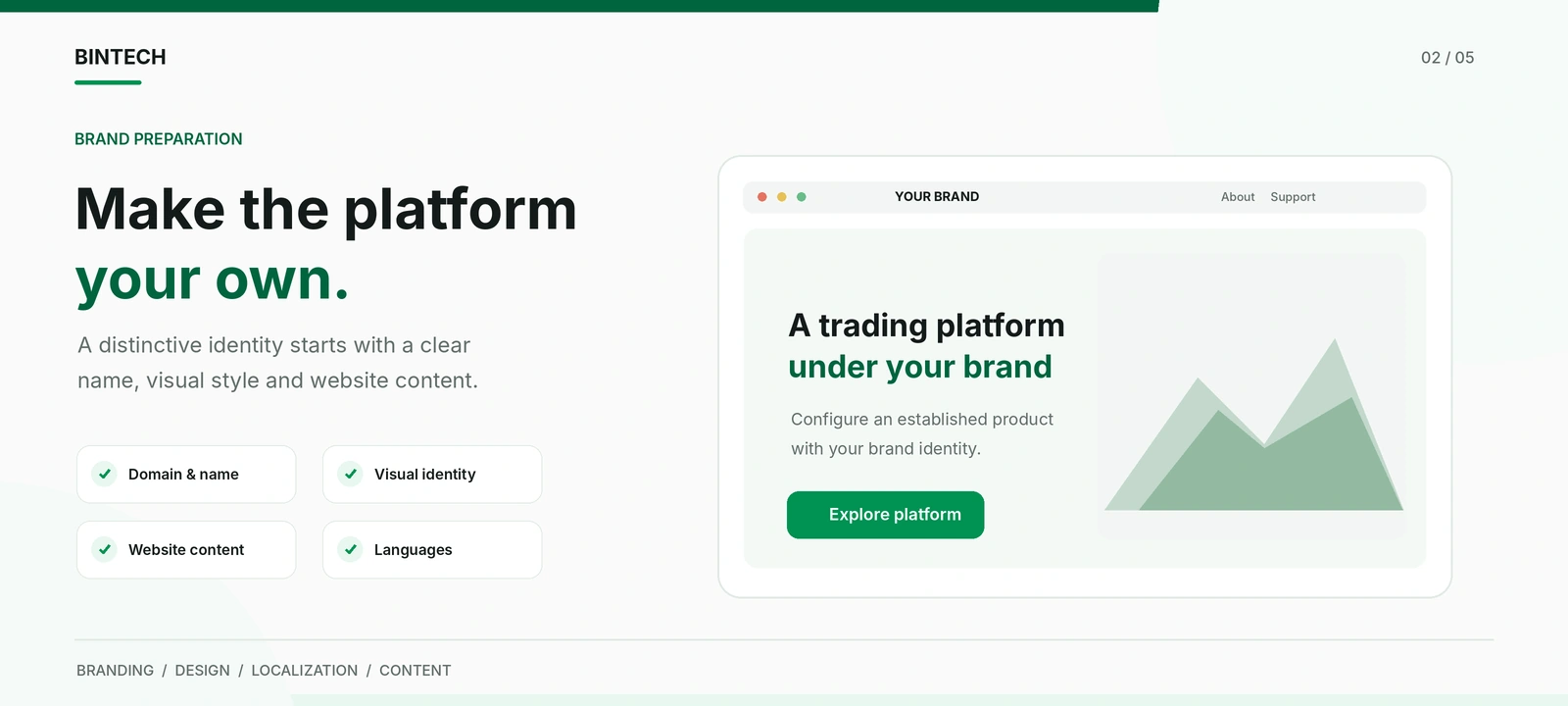
A ready-made platform supplies the functional foundation, but the public-facing website must still reflect the business operating it.
Branding is more than placing a logo in the header. The appearance, language, terminology, and information presented throughout the platform should form a consistent experience.
Choose the Visual Direction
Bintech provides ready-made design templates, with the option to discuss an individual visual style.
A template can provide a practical starting point when the client wants to work with an existing layout. A customized design may be more relevant when the project already has a distinct brand identity or specific visual requirements.
Whichever direction you choose, prepare the approved logo, colors, and visual references before the final implementation stage.
It is also worth reviewing how the chosen brand elements appear on smaller screens. A complex logo or oversized graphic may need a simplified variation for mobile navigation.
Prepare Information That Reflects Your Business
The website should explain the actual service being offered. This includes brand-specific descriptions, customer support information, relevant account conditions, payment-related explanations, and other materials required for the intended operation.
Bintech can help prepare and configure website content within the agreed project scope, but information specific to the client’s business must be accurate and approved by the operator.
For example, published payment conditions should correspond to the services actually available to the project. Customer information should use the correct brand name and contact details. Demo account descriptions should make it clear when funds and activity are simulated.
Preparing these materials as one consistent content package is more efficient than making unrelated changes across individual pages late in the implementation.
Review Language Versions
Bintech supports a multilingual interface with automatic language adjustment by region.
However, interface localization and brand-specific content are not identical. Custom website text, support explanations, and other operator-provided materials need appropriate language versions.
Before launch, review the intended language versions for accuracy, consistency, and readability. The result should feel like a complete localized website rather than a translated interface containing unfinished content.
Step 3. Agree on the Initial Platform Configuration
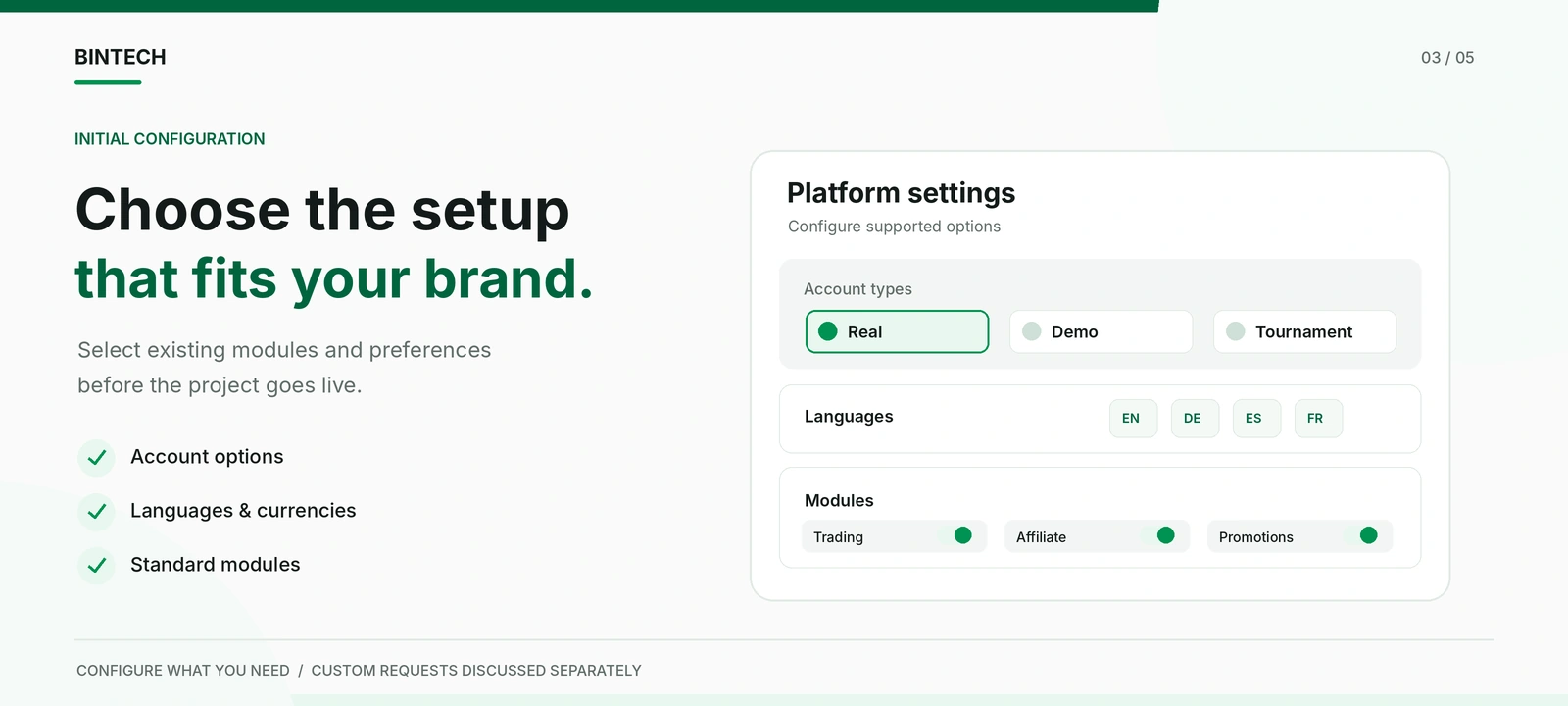
Once the brand materials are prepared, the next stage is selecting the configuration that best supports the initial project.
Bintech’s All Inclusive package contains the standard trading and administrative modules. The client can review existing functionality through a demonstration and discuss the settings that should be used in the branded platform.
The key principle is simple: start with the functionality that is relevant to your project rather than requesting additional development before understanding what the existing product already provides.
Choose the Initial Account Experience
The standard platform includes real, demo, and tournament account functionality.
Consider how the available account environments will be presented and which associated features are appropriate for the initial customer experience. Account descriptions and supporting information should match the actual configuration.
A clear distinction between simulated and real-money activity is particularly important.
Review Trading and Promotional Settings
Bintech includes configurable trading settings and promotional modules.
The project team can discuss available options such as supported instruments, trading parameters, bonuses, tournaments, notifications, and other standard functionality.
Not every available feature needs to become a major element of the initial brand experience. The configuration should support the intended service and remain understandable to customers.
Separate Standard Settings from New Development
During configuration, a client may identify an additional function or a design change that is not included in the existing product.
Such requests can be discussed individually with Bintech. The team evaluates the required work and provides information about the proposed cost and implementation conditions.
This makes it possible to maintain a clear distinction between the agreed initial configuration and further development that can be considered separately.
For detailed information about the trading terminal, account tools, and administration capabilities, see our binary options software guide.
Step 4. Coordinate Payment Services and External Integrations
External services are an important part of preparing a customer-facing platform, especially when the project depends on payment providers.
Bintech supports integration with payment systems and multi-currency functionality. However, the existence of a technical integration does not automatically mean that every external provider is available to every business.
Payment providers may have their own requirements, supported markets, commercial terms, and approval procedures.
Confirm Provider Availability
The operator should identify the payment services relevant to the intended business and discuss the available integration options with Bintech.
Where a third-party provider requires approval, credentials, or a commercial agreement, those arrangements need to be coordinated by the responsible party.
This is why payment requirements should be discussed early rather than added after the rest of the website has been completed.
Agree on the Integration Scope
The technical team and the client should establish which services are included in the agreed setup and which require further preparation.
Any provider-specific configuration, external dependency, or additional development should be identified before the integration is considered complete.
Once the relevant arrangements are ready, the integrated workflow can be reviewed through supported testing procedures. The objective is to confirm that the configured service behaves as expected and displays appropriate information to users.
Step 5. Prepare the Team That Will Operate the Platform
A ready-made trading platform reduces the technical work required from the client, but the business still needs people responsible for its everyday activities.
In a small project, one person may handle several responsibilities. In a larger organization, these tasks may be divided between different employees.
The important point is to establish who is responsible for customer communication, content updates, partner relationships, and management decisions.
Assign Administrative Access
Bintech includes different administrative roles for the owner, administrator, content manager, and support team.
Before launch, identify which employees need access to the available tools. Someone responsible for website content may require different permissions from an employee managing customer inquiries.
This keeps routine responsibilities organized and makes it easier to establish internal approval procedures.
Prepare Customer Support
The platform includes live chat and ticket functionality, allowing the operator to organize customer inquiries within the available system.
Staff should know which questions they can resolve independently and which technical issues require escalation to Bintech.
It helps to prepare clear answers to frequent customer questions and establish a consistent process for documenting unresolved issues.
Introduce the Team to the Platform
Bintech provides onboarding materials, a guide to the administrative panel, and an online consultation covering important product functionality.
Use this introduction to familiarize the employees responsible for daily operations with the settings and information relevant to their work.
If the business plans to develop its own affiliate program, the relevant team can also review the built-in partner functionality and prepare the initial commercial materials.
For a separate explanation of how to build content and partner acquisition activities, see our binary options broker marketing strategy guide.
Step 6. Test the Platform Before Going Live
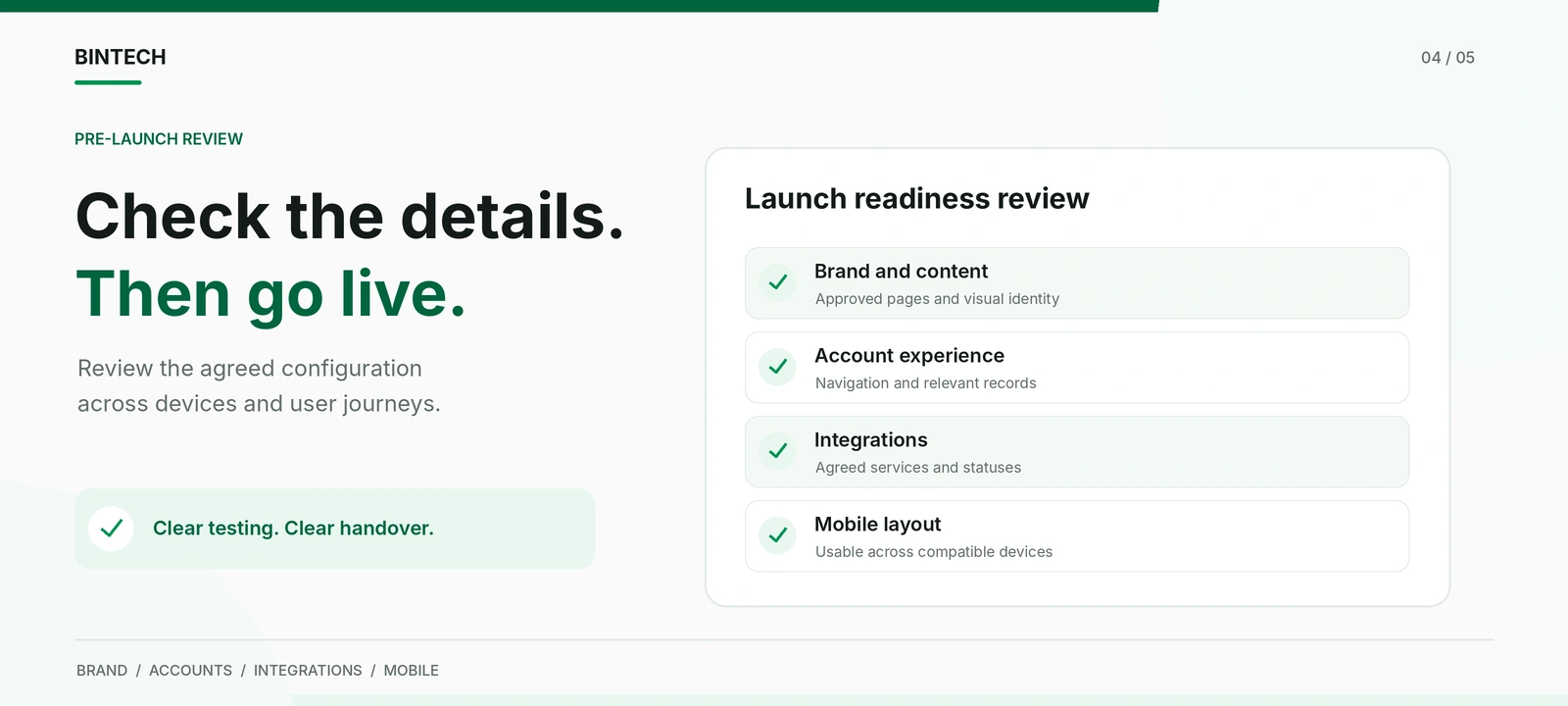
Testing is the point at which the agreed configuration becomes a working project that the client can review.
The purpose is not to repeat the software provider’s internal development process. It is to confirm that the customer-facing experience and the agreed operating functions are consistent with the approved requirements.
Test Complete User Scenarios
Instead of examining isolated screenshots, follow representative actions through the available testing environment.
For example, review the path from opening the website to accessing an account, navigating the terminal, and viewing the relevant account information. Where supported, check the presentation of demo activity and transaction history.
These scenarios help identify inconsistencies that may be missed when individual pages are reviewed separately.
Check the Agreed Integrations
External services should be tested according to the actual configuration and the provider-supported testing environment.
The relevant checks depend on what has been connected. For example, the project may need to confirm that an expected transaction status is displayed correctly or that a supported notification reaches the intended destination.
Live financial transactions should not be used as substitutes for an agreed test process when the necessary operational conditions are not yet in place.
Review Mobile Usability
The platform should be examined on representative desktop and mobile devices.
Pay attention to navigation, forms, text readability, and interactive controls. This is especially important for custom graphics or content that may behave differently on a narrow screen.
Document Issues and Confirm Corrections
When an issue is identified, report what happened, where it occurred, and how the result differs from the agreed behavior.
Useful feedback includes the affected page or function, the steps needed to reproduce the problem, and relevant screenshots where appropriate.
After corrections have been made, the client should verify the affected scenario again.
It is also helpful to distinguish issues that prevent the agreed launch from additional improvements the client may want to request later. A new design preference is not necessarily a defect in the approved configuration.
Step 7. Approve the Launch and Move into Daily Operations
When the required configuration has been reviewed and the relevant business arrangements are ready, the project can proceed toward public launch.
At this stage, the main priority is a clear handover between implementation and the team responsible for operating the platform.
Confirm the Final Version
The client and technical team should agree on the final configuration, including the approved design, enabled standard modules, completed integrations, and any separately agreed work.
This creates a clear reference point for the project being launched.
Coordinate Publication
Bintech handles the agreed technical deployment on the client’s selected domain and dedicated server.
After publication, the operator should review the public-facing website in its live environment and confirm that important pages, navigation, and customer contact channels are accessible.
Any outstanding external requirements must also be addressed before the relevant service is made available to customers.
Review the Initial Operating Experience
During the initial operating period, the team should pay attention to customer inquiries, available platform information, and issues reported by staff.
The objective is to distinguish software problems from questions caused by unclear content or unfamiliar operating procedures.
Technical issues can be referred to Bintech, while the client’s team continues to manage its own business processes and customer communication.
Once regular operations are established, additional content, design improvements, or functionality requests can be considered as part of the project’s ongoing development.
How Long Does a Bintech Platform Launch Take?
A standard Bintech technical deployment typically takes approximately 2-4 weeks, depending on the agreed configuration and the requirements of the individual project.
The exact schedule should be confirmed with the Bintech team. Custom development, late changes to approved materials, and external service arrangements may affect the overall preparation period.
The technical deployment timeline should also be distinguished from the time a business needs to complete its own operational and applicable regulatory preparations.
The most efficient starting point is to provide a clear project brief and review the existing product before introducing additional requirements.
Bintech: Ready-Made Technology for Your Trading Brand
Bintech provides a complete ready-made binary options platform under an All Inclusive commercial model. Standard software modules are included in the offering, while individual development outside the agreed configuration is discussed separately.
The company handles technical deployment, server maintenance, monitoring, backup routines, and 24/7 technical support. The source code remains with Bintech and is not transferred to clients.
The client receives a configured platform under its own brand and manages the commercial direction of the business using the available tools.
Current pricing, standard functionality, and the applicable service conditions are described in the official Bintech commercial presentation.
For a broader overview of the product and its commercial arrangement, see our White Label Binary Options Platform guide.
Ready to Bring Your Trading Platform Online?
Launching your own trading brand starts with a clear concept and a practical implementation plan. With an existing technology foundation, you can concentrate on the decisions that make the project yours: its identity, customer experience, operating team, and commercial direction.
Bintech provides the software and technical support needed to turn an agreed configuration into a working branded platform.
Have a brand idea or an established traffic acquisition business? Request a demonstration, explore the available software, and discuss your project with the Bintech team.